FamilyCal

Shared events & reminders for the whole family

Snap the school note.
The whole family knows.

Snap a school newsletter, the school calendar or a screenshot of a teacher's message. AI turns it into events, everyone's phone updates together, and the night before you get a reminder of what to bring.

Download free on the App Store Free on iPhone & iPad, plus a web app
Already in a family? Open the web app →

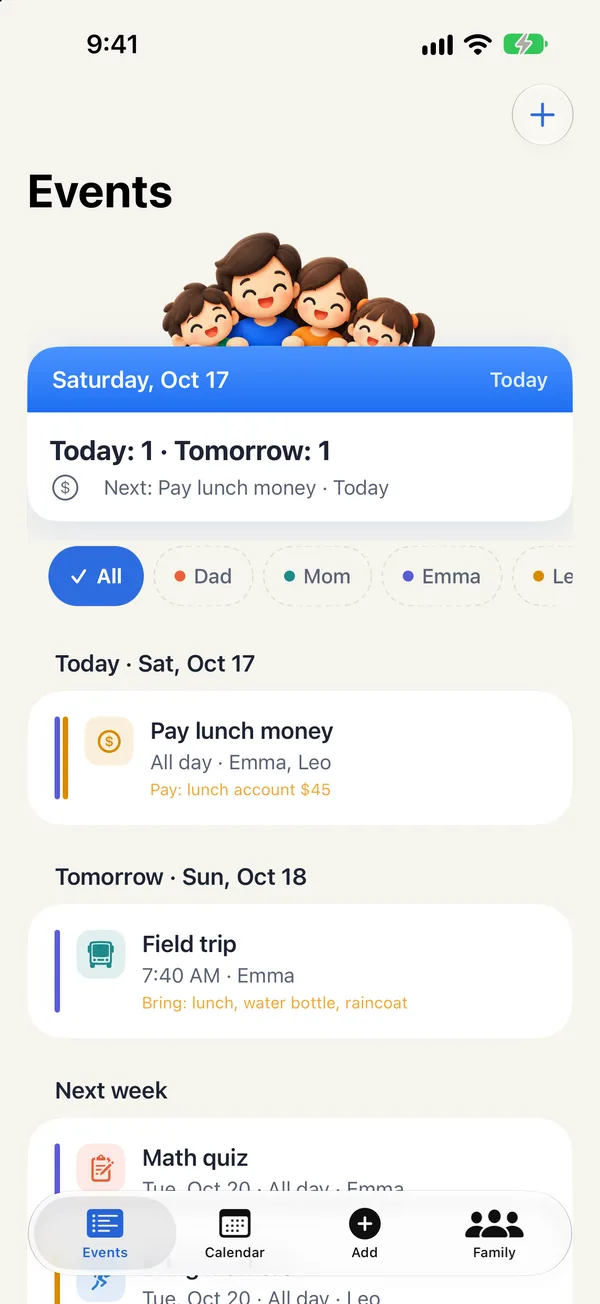
Tomorrow

  • Field trip · Zoo7:40 AM · EmmaBring: raincoat, water bottle
  • Field trip fee due · $15Emma and Leo
8:00 PMTomorrow, bring: raincoat, water bottle

School news is scattered across too many places

  • Paper newsletters
  • School calendar
  • Teacher messages
  • School apps
All inone calendar the whole family shares

And usually, only one parent was keeping track.

How it works

Snap it or say it — the app does the rest

A mom photographs a school notice while her daughter points at it
01
Snap it

Snap a photo, AI fills in the calendar

  • Photograph a newsletter, school calendar or class notes, or pick a screenshot of a teacher's message
  • The page edges are found automatically — drag the corners to adjust
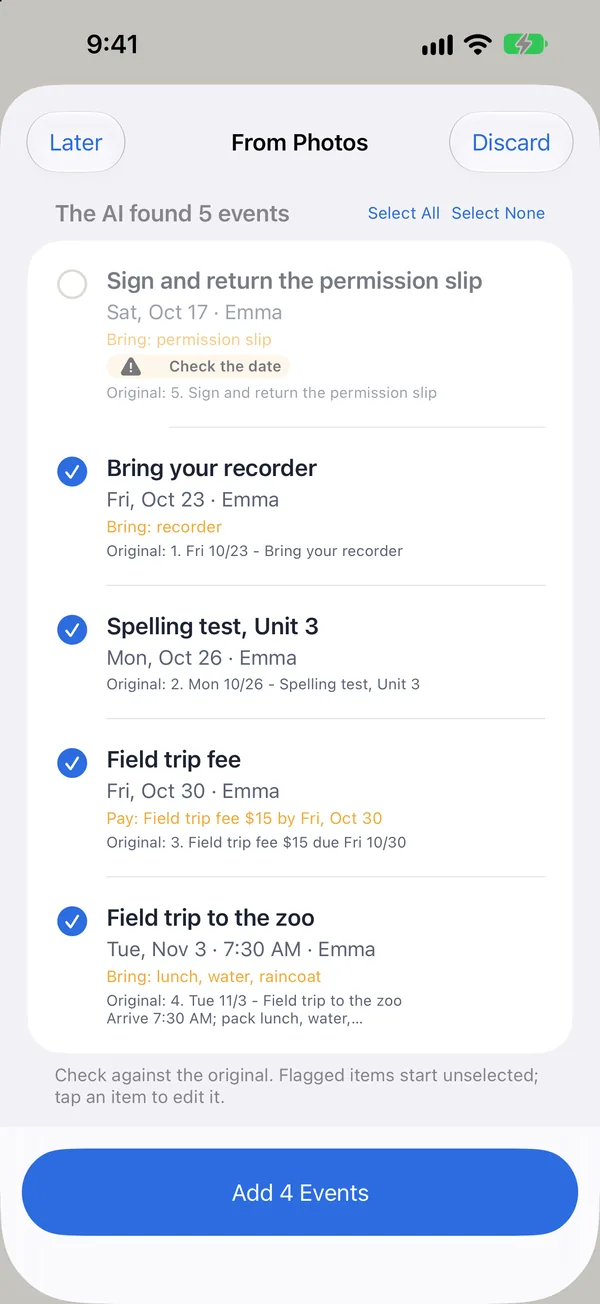
  • AI reads the dates, times, things to bring and money due, and drafts the events
  • “Tomorrow” or “next Wednesday” become real dates; possible duplicates and doubtful dates are flagged
AI results: events found in a photo, ready to confirm

Nothing is added until you confirm, and every event can be edited.

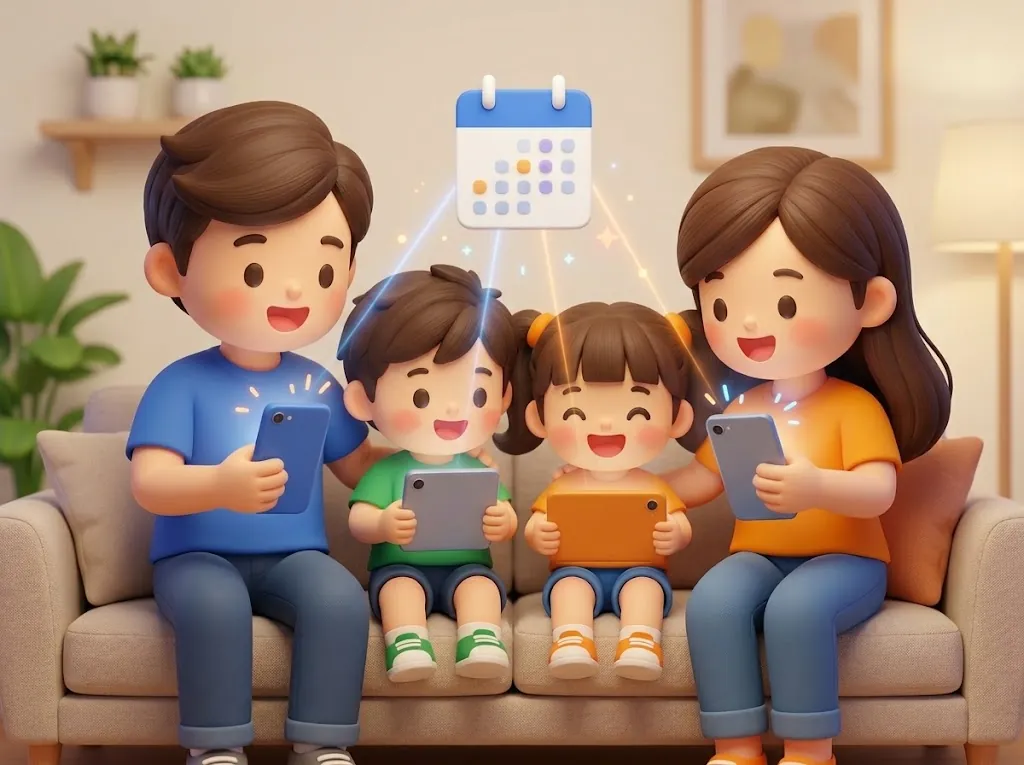
A family of four on the sofa, the same calendar popping up on every phone
02
Family sync

Everyone's phone, updated at once

  • The organizer creates the family and invites everyone with a QR code
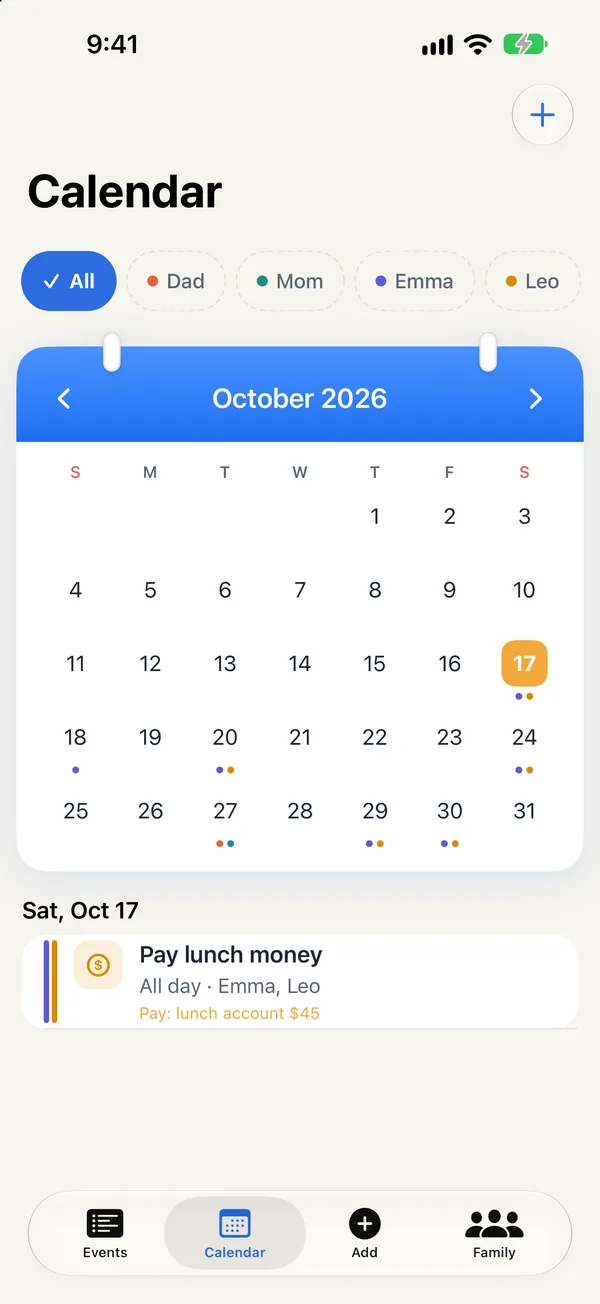
  • Each person has a color, so you can see at a glance whose event it is
  • Add kids without phones too, so events can be marked as theirs
  • Any change shows up for everyone right away — on iPhone, iPad or the web
Calendar: each family member's events in their own color

Even grandparents doing pickup know what to bring today.

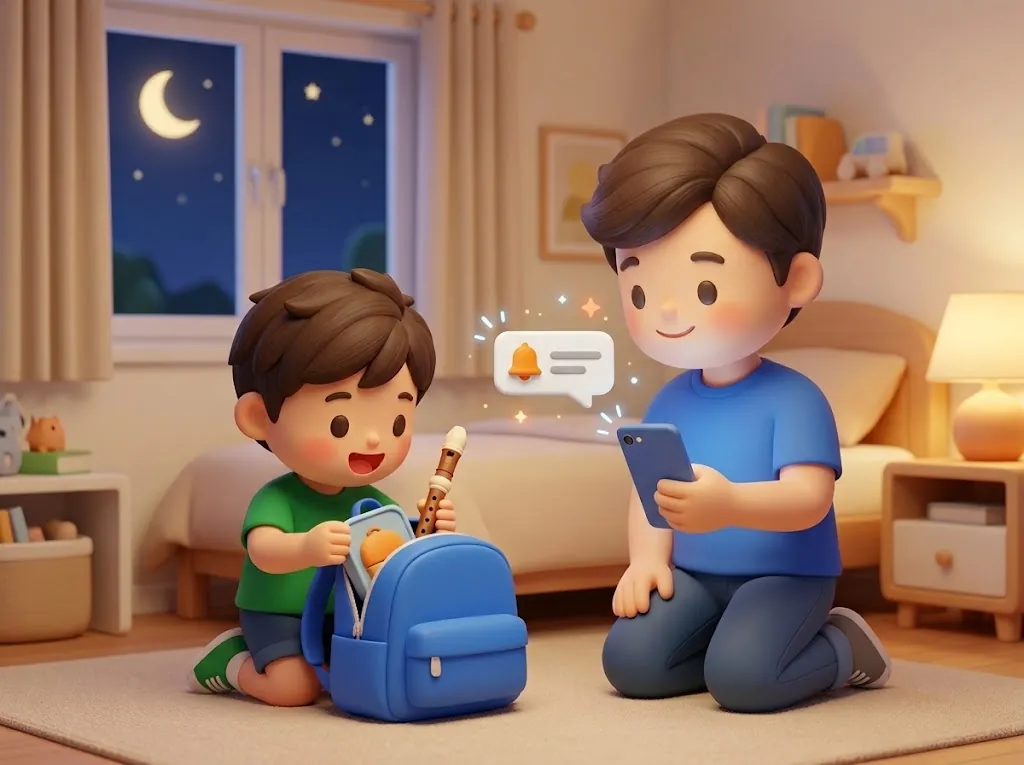
In the evening, Dad reads a reminder while his son packs a recorder and lunch box
03
Night-before reminder

Never miss a thing

  • Every evening at 8, a reminder of tomorrow's events and what to bring
  • A notification when family adds something for you
  • The Events tab shows today, tomorrow, this week and everything after
Events tab: what's on today and tomorrow

Or just say it: “Emma needs her recorder next Wednesday” — and the event is created.

Shorts

See it in a minute

Snap a school notice and AI drafts the events — nothing is added until you confirm. AI reading needs an iPhone or iPad that supports Apple Intelligence.

  • The morning we forgot the recorder

  • 300 unread class-chat messages

Fictional skits made with AI.

Getting started

Three steps, ready today

  1. 1The organizer creates the family

    Open the app, tap “Create a Family (I'm the organizer)” and sign in with Apple.

  2. 2Scan to invite family

    Add members on the Family tab. Each person scans their QR code with their own phone — no sign-up needed.

  3. 3Snap your first school note

    Take a photo on the Add tab, check the events AI drafted, and you're done.

Peace of mind

A family app should feel safe

  • Photos aren't uploaded

    Photos are only used for reading and are removed from the phone once you confirm or discard — never stored on our servers.

  • No accidental deletions

    When someone other than the organizer deletes an event, it's crossed out until the organizer confirms.

  • No ads on kids' devices

    Kids who join the family don't see ads on their devices.

  • Safe when you switch phones

    The organizer signs in with Apple, so the family survives a new phone. Everyone else needs no account.

Pricing

Every feature, free

Nothing is locked

The app shows ads, but only after you finish something (an AI import, or your 5th event added by hand). No ads for the first 3 days after install, and no banner ads.

Dad subscribes. No ads for the whole family.

If you'd like to support us, subscribe to “Support the Developer” for US$0.99 a month (local prices may vary). When anyone in the family subscribes, ads disappear on every family device. Cancel anytime in the App Store.

Good to know
  • AI reading needs an iPhone or iPad that supports Apple Intelligence (iPhone 15 Pro or later). Without it, you can still add events by hand.
  • AI can make mistakes — check against the original before adding.
  • The app is for iPhone and iPad, with a web app for viewing events.

FAQ

Questions you might have

What if the AI gets something wrong?

Before anything is added, you see every draft next to the original text and can tap to fix it. Doubtful items start unchecked.

The photo didn't capture the whole page?

After the photo you'll see Adjust Crop — drag the corners to the page edges, or choose Whole Photo.

Why is an event a family member deleted still there?

When someone other than the organizer deletes an event, it's crossed out until the organizer deletes or keeps it, so nothing is lost by mistake.

The organizer got a new phone?

On the new phone, tap “I'm the organizer and have a new phone” and sign in with the same Apple Account to get the family back.

Does everyone need an account?

No. The organizer creates the family with an Apple Account; everyone else just scans a QR code.

Which devices support AI reading?

An iPhone or iPad that supports Apple Intelligence. Without it, you can still add events by hand.

Don't want ads?

When anyone in the family subscribes to “Support the Developer” on the Family tab, ads disappear on every family device. Cancel anytime in the App Store.

How do I delete my data?

Family members can leave the family on the Family tab; the organizer can delete the whole family, which permanently deletes all its data. See the Privacy Policy.

Notes for parents

School notices, getting ready for school, sharing the load at home. Hao’s Dad collects the methods he’s looked into and tried here.

All notes → More parenting notes at DJ’s House →

Tonight, snap your first school note

All the school news, shared by the whole family.

Download free on the App Store